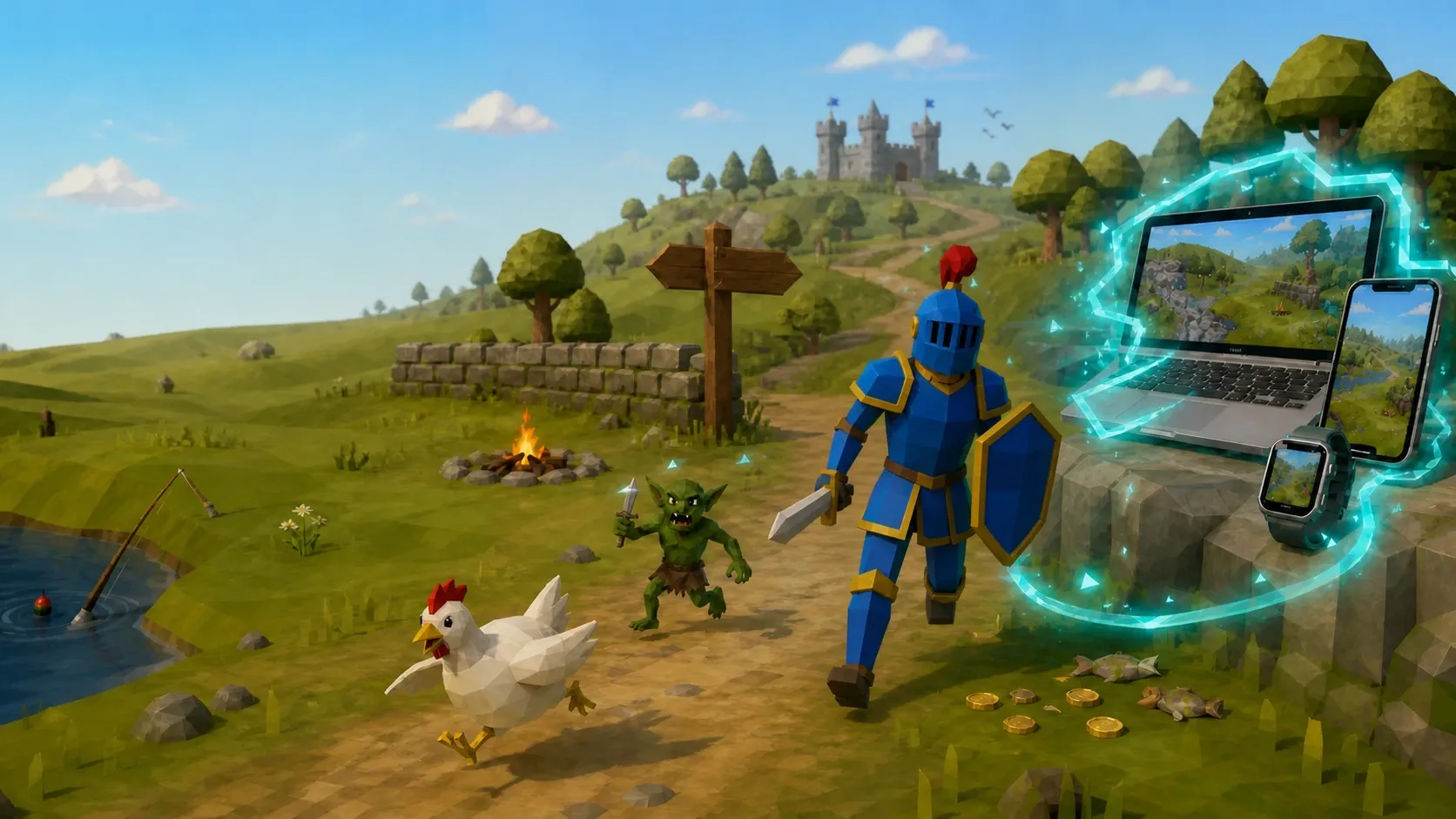
A blue-and-gold old-school low-poly knight running past a chicken and goblin toward connected companion devices

New companion unlocked

Your adventure.
Everywhere.

Rune Connect carries your character’s gear, stats, quests, and progress from RuneLite to the screens you already use.

GearQuestsXPBank
InventoryEquipmentBankSkills + XPQuestsAchievement diaries

Your character doesn’t clock out

Log off.
Keep the story going.

That last gear upgrade. The level you’re nearly at. The quest you swear you’ll finish tonight. Rune Connect keeps the shape of your adventure close, even when the game window is closed.

See what you’re carryingInventory, equipment, and bank
Watch the numbers climbSkills, XP, and milestones
Remember what comes nextQuests and achievement diaries
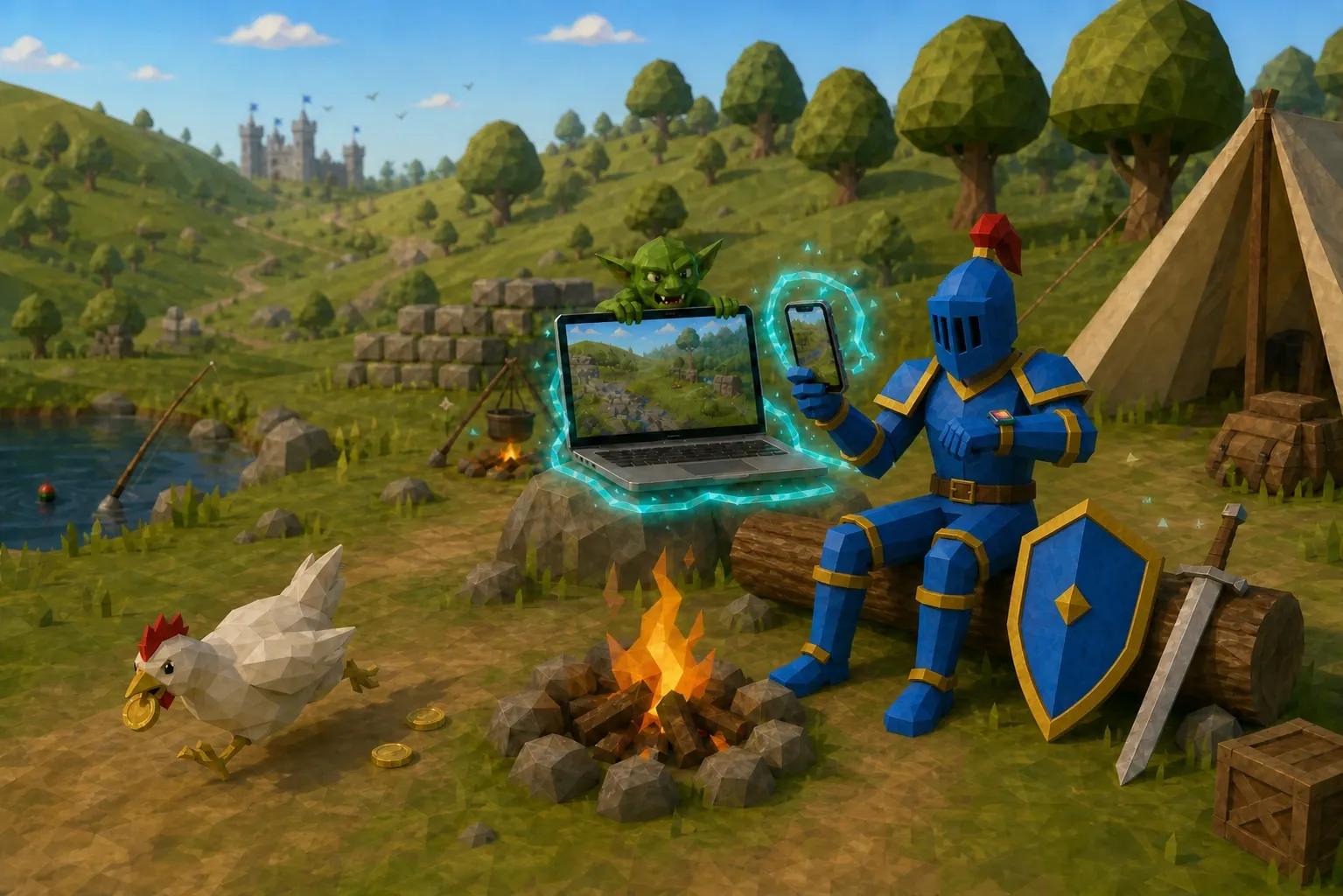
The same blue-and-gold low-poly knight checking a phone and watch beside a connected laptop at camp

One character · every screen

A little adventure in your pocket.

Check in from the desk, the couch, the commute, or the quick glance between plans. Your character feels at home on iPhone, Mac, and Apple Watch.

iPhoneMacWatch

A short walk from game to companion

Three steps.
No quest guide required.

  1. 1

    Add Rune Connect to RuneLite

    The side-panel plugin notices the character state RuneLite already knows.

  2. 2

    Link your character

    Rune Connect securely carries that live state beyond the game client.

  3. 3

    Choose your companion

    Open your adventure on phone, desktop, watch, or web.

The path opens soon

Ready for your
next adventure?

Downloads and setup guides are on the way. The RuneLite plugin and companion apps will meet you here.

Setup guide coming soon

No mystery steps. No invented release date. Just the path when it’s ready.